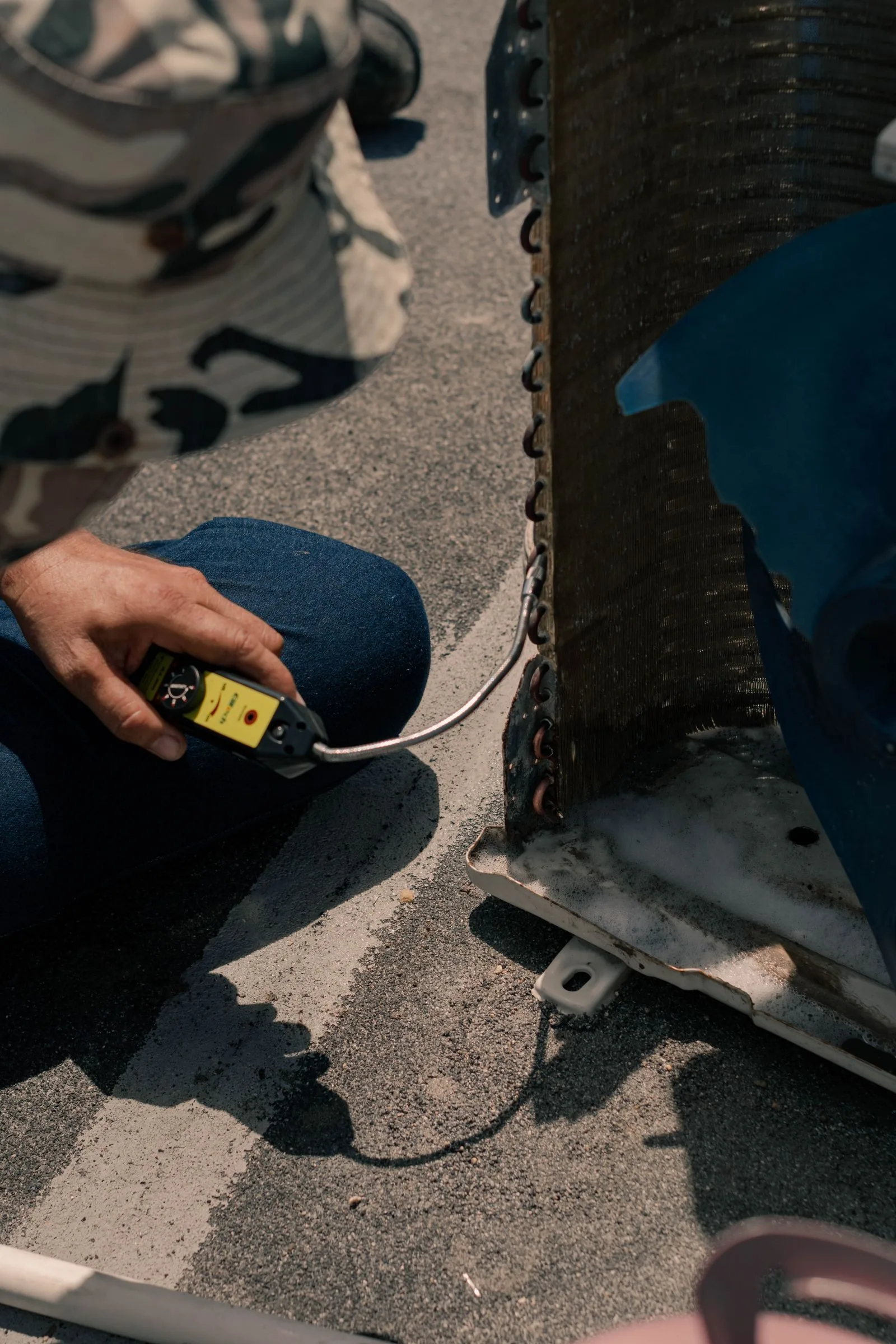
Help a provider understand the symptoms without guessing the diagnosis.
Record what you observe
Write down when cooling changed, which rooms are affected and any error message already visible on the equipment. Include recent maintenance history if you have it.
Prepare a short description
- Equipment make and model if readily accessible.
- When the issue started and whether it is intermittent.
- Areas of the home affected.
- Any recent changes or previous visits.
- Access constraints you want to discuss privately.
Avoid guessing the cause
A symptom is useful information, but it is not a diagnosis. Let a competent provider explain what was checked and why a particular action is proposed. Do not open equipment or attempt electrical or refrigerant work based on this guide.
Confirm the visit terms
Ask about diagnostic fees, arrival arrangements, the approval process and documentation of findings. Do not post access codes or sensitive household information in a public request.
What if I do not know the model?
Share the information you have and ask what else the provider needs. Do not enter unsafe or inaccessible areas to retrieve it.
Will a request here reach a real provider?
No. The quote flow is a local demo preview and does not deliver requests.
About this guide
Original editorial demo content prepared for this directory. No research statistics, local legal requirements, technical diagnosis, vendor ratings or pricing claims are asserted. Master article ideas remain separate unpublished drafts.
Prepare a concise first message
A useful first message identifies the general project, the symptoms you have observed and the place where work would happen. You do not need to write a technical report. Explain when the issue began, whether it is continuous or intermittent and which areas or equipment are affected. If there has been recent work, include that context. Keep observations separate from a guessed diagnosis. A business can then tell you whether the inquiry appears within its scope and what information it needs before arranging a visit. The directory's request interface is a preview, so send real inquiries through the business's direct contact.
Gather information without creating risk
An equipment make, model or existing service record can be helpful if it is readily available. Do not remove panels, touch wiring, handle refrigerant or enter an unsafe or inaccessible place to complete an inquiry. You can tell the provider that information is unavailable and ask what it needs during the appointment. If a display shows an error message, record the message without attempting a repair. The point of preparation is to communicate clearly, not to perform an assessment that requires training or specialist equipment. A general guide cannot determine whether a particular inspection step is safe for your situation.
Describe patterns that may help the conversation
Note whether the problem occurs at certain times, affects one space or several, or began after another event. Share what you actually observed rather than assuming the relationship proves a cause. If a prior technician visited, have the invoice or written explanation available. Keep any photos or messages you want to share focused on the equipment or relevant condition. Avoid including personal documents, access credentials or unrelated household details. Ask the business which communication channel it prefers before sending images or records, and confirm that you are dealing with the intended business.
Confirm that the provider fits the task
Read the recorded business type and ask whether the business supports your equipment and property setting. An HVAC category can contain suppliers, refrigeration specialists and different contractor roles. A source listing does not automatically establish residential AC repair capability. If the project is commercial or involves unusual equipment, say so early. Confirm that the business accepts work at your project location, because a business address ZIP is not a service-area promise. These questions can save time before you discuss scheduling, fees or access, and they help keep your shortlist focused on the actual work.
Ask about the visit before confirming it
Clarify the purpose of the appointment and what the fee covers. Ask whether a diagnostic explanation, estimate or repair is included and whether repair work requires separate approval. Discuss possible additional charges for travel, access, extra time or another visit rather than assuming they are included. If the business gives a preliminary price, ask what could change it. Keep the terms in writing when possible. The directory does not provide standard prices or guarantee a free assessment, and it does not verify the reachability or response time of a recorded contact simply by displaying the link.
Organize access and communication
Confirm who will meet the provider, how arrival will be communicated and which areas need to be accessible. Discuss parking or building access constraints that could affect the visit. Share access codes or security information only through an appropriate private channel once you have confirmed the business and appointment. Do not put these details in a public review, search field or local form preview. If a property manager or another decision maker must approve work, identify that arrangement before the visit. Clear communication can prevent the technician from being asked to proceed without the right approval.
Prepare questions for the findings
After the assessment, ask what was checked, what the provider found and why the proposed work addresses the issue. Request an explanation of included parts and labor, exclusions and any remaining uncertainty. Ask about the process for additional work and the documents you will receive when the job is complete. If more than one option is proposed, ask how the scopes differ. You can seek a clearer explanation without trying to make the technical diagnosis yourself. This guide supports informed questions rather than endorsing a repair method or promising a result.
Keep a useful service record
Retain the appointment confirmation, estimate, written approvals, invoice and applicable warranty information. Record the business's contact details and the equipment information alongside those documents. A later provider may find an accurate service history more useful than a recollection of a source rating or an informal conversation. If you notice a directory error, identify the stable business record and the field that appears wrong. The contact page explains the current preview's communication limits. For immediate safety concerns, use an appropriate emergency or utility channel; the directory does not monitor requests or dispatch help from its local preview forms.